




Hello, I'm Lukas. Here's why I made spudnote
The maker of spudnote on wanting to build apps since 2009, finally doing it in 2026, and why your notes grow into little sprouts.
Behind spudnote
The short answer
spudnote is a free, cute to-do list and notes app for iPhone, iPad and Mac. Every note grows into a little sprout in a field, you pull it up when it's done, and a potato named Spud keeps you company.
Hello again, it's Lukas. People find spudnote by searching for a cute to-do list app, which makes me very happy, because cute was the whole point. Here's why, and what you actually get.
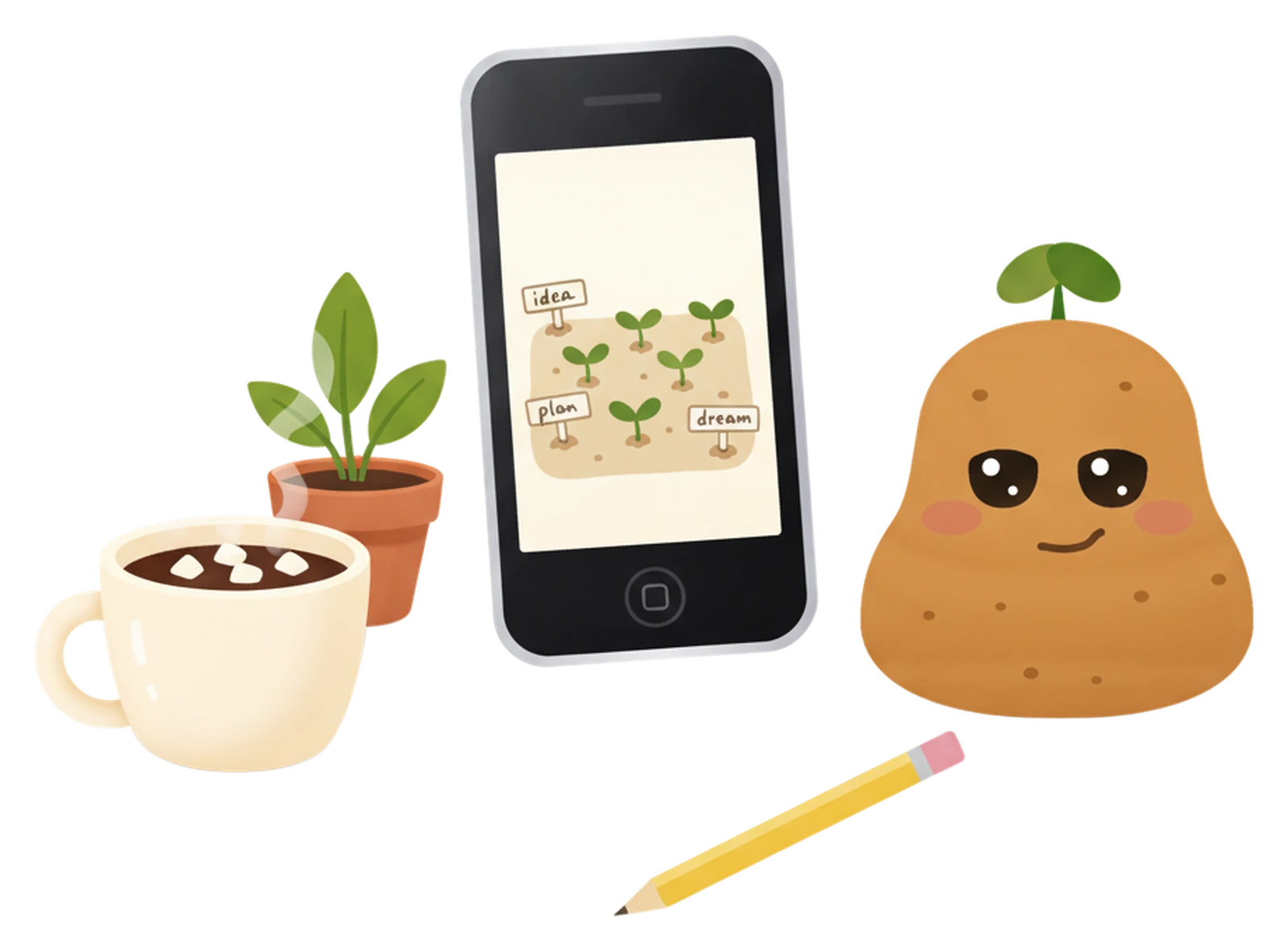
Because you open it every day. Most productivity apps look like spreadsheets, and spreadsheets don't make anyone want to plan their afternoon. If the place you keep your tasks is a little bit delightful, you come back to it, and coming back is most of the battle.
Cute doesn't have to mean childish, either. I wanted spudnote to feel calm and warm: soft colors, gentle sounds, and small moments that make you smile.
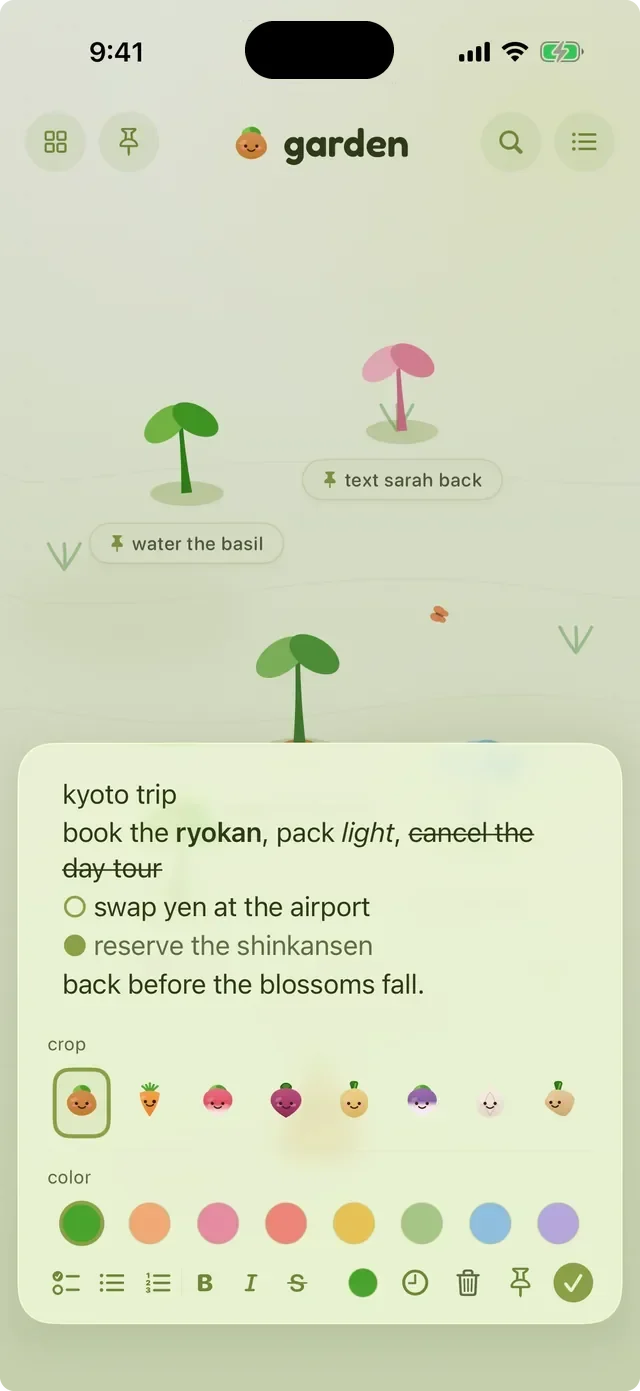
Under the sprouts, spudnote is a proper notes and to-do app:
| What you need | In spudnote |
|---|---|
| Quick capture | Tap the soil, Siri, Control Center or the share sheet |
| Checklists and formatting | Checklists, bullets, numbers, bold, italic and strikethrough |
| Organizing | Up to 12 fields, a list view and search |
| Reminders | One per note, with repeats every day, week, two weeks, month or year |
| Done tasks | They drop into the basket, and you can restore them |
| Sync | Your own iCloud, across iPhone, iPad and Mac |
| Widgets | A few, all on the widgets page |
The free version isn't a trial. You get the potato and the carrot, two themes and two sprout colors, and the notes app itself with no clock ticking.
spudnote plus is for people who want the whole garden: all eight veggies, every theme, pastel sprouts, the shed full of outfits, and the cellar, where every old harvest lives. You can pay monthly, yearly, or once.
If you like your apps a little bit soft, if streaks and red badges stress you out, or if you just want a to-do list that makes you smile when you open it, I think you'll like it here.
Get spudnote free on the App Store. It's on iPhone, iPad and Mac, and Spud will be there when you open it.
I'm biased, but spudnote: every note is a sprout, finished tasks get pulled up with a little reaction, and you can dress the crops in outfits. It also runs on iPad and Mac.
Both. A note can be a quick thought, a long note with bold and italic text, or a checklist you tick off, and each one is a sprout.
Not here. spudnote has fields, reminders and repeats, iCloud sync, widgets, Siri and share sheet support, a list view, search and a basket for finished notes.
No. There are no accounts and no ads. Your notes live on your devices and in your own iCloud.

spudnote
notes so simple a potato could use them

The maker of spudnote on wanting to build apps since 2009, finally doing it in 2026, and why your notes grow into little sprouts.
A brain dump gets every loose thought out of your head so you can pick one next step. Here's a simple three-step way to do it, on paper or in spudnote.
Gentle productivity means a to-do list that keeps you company instead of keeping score. Here's how I built spudnote around that idea, and how to use it.