




widgets

a cute to do widget for your home screen

adding a spudnote widget

the real thing: the iphone's own widget gallery, start to finish.

field at a glance

your whole field from above, sprouts and all. or flip it to a plain list.
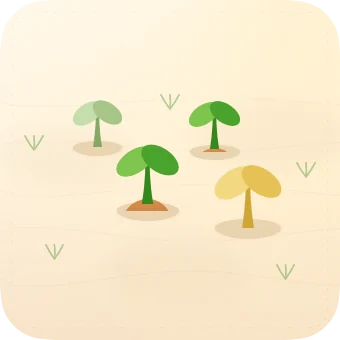
The small field widget: four sprouts in their field
small
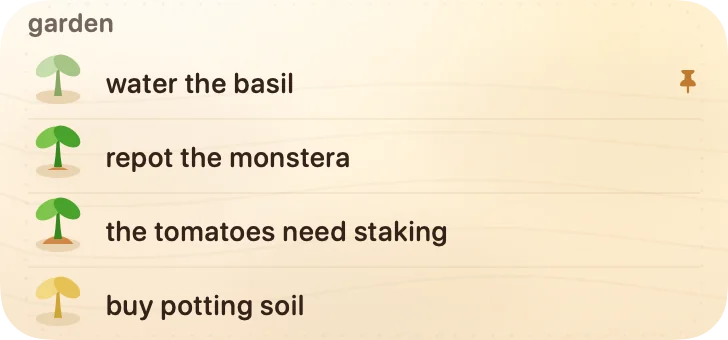
The medium field widget as a list: water the basil, repot the monstera, the tomatoes need staking, buy potting soil
medium, as a list
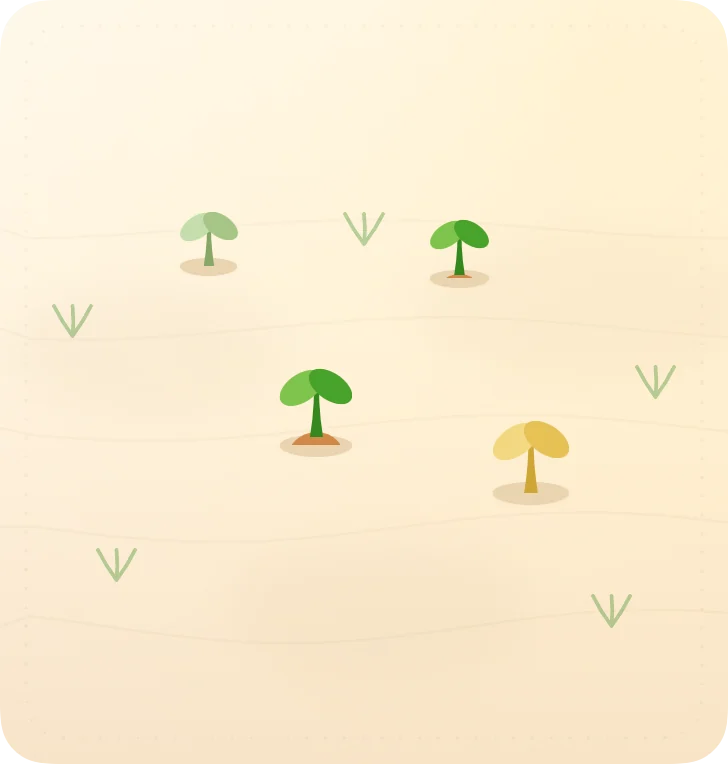
The large field widget: the field from above with room to spare
large

windowsill

pin the sprouts you care about and they sit on a little shelf, names and all.
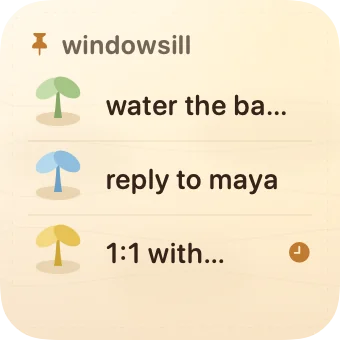
The small windowsill widget: three pinned sprouts
small
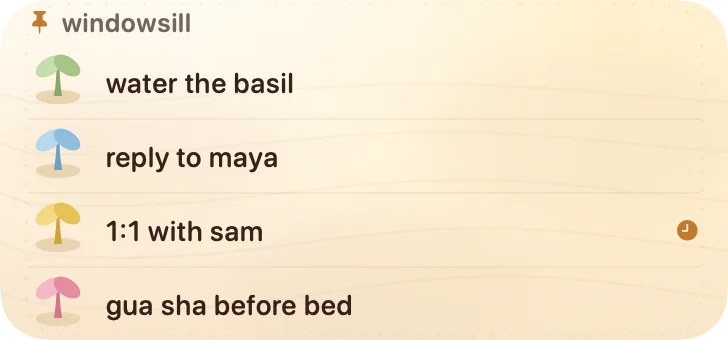
The medium windowsill widget: four pinned sprouts with a reminder dot
medium
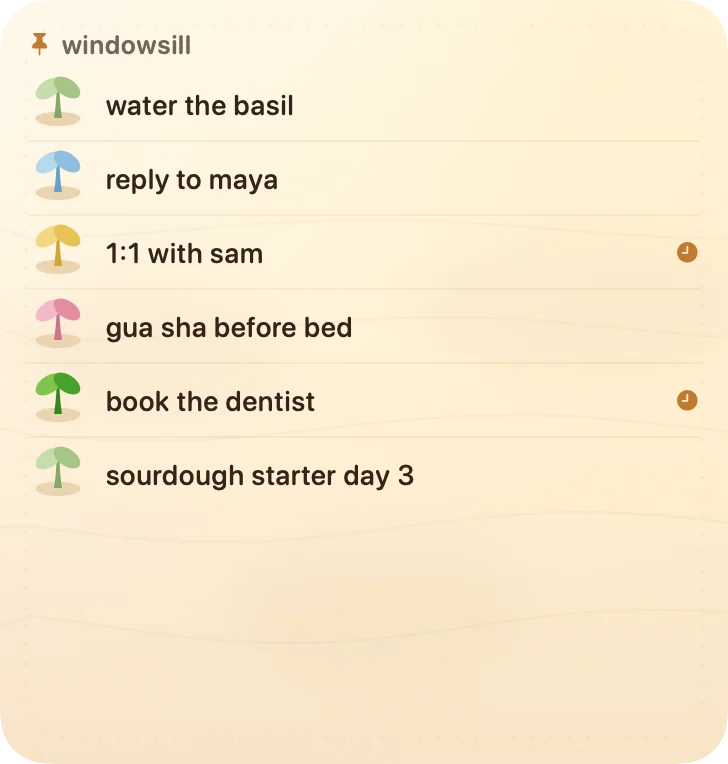
The large windowsill widget: six pinned sprouts, two with reminders
large

and two more

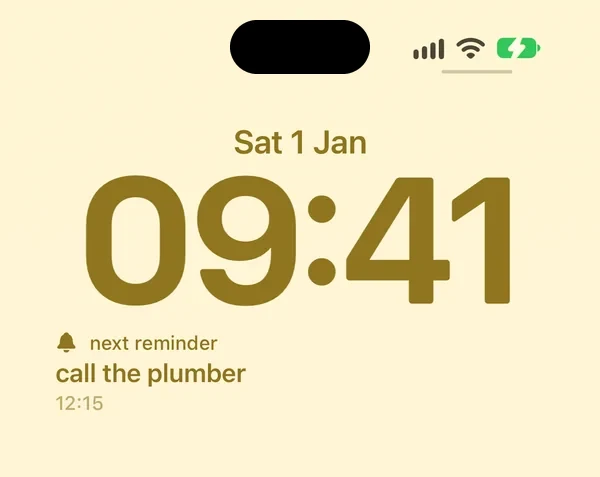
  • An iPhone lock screen in classic cream with the next reminder widget under the clock: call the plumber

    next reminder

    your soonest reminder, right on your lock screen.
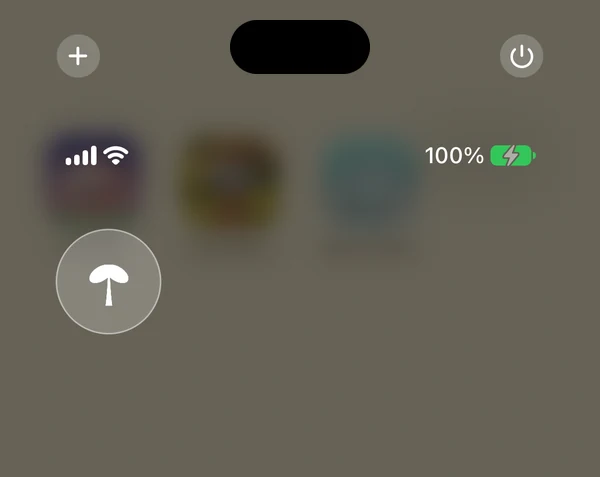
  • Control Center on an iPhone with the plant a thought control, spudnote's sprout in a round button

    plant a thought

    one tap in control center and you're typing a new note.

how to add one

  1. touch and hold an empty spot on your home screen.
  2. tap edit, then add widget.
  3. search for spudnote.
  4. swipe to the one you like, then tap add widget.